
This Faceless Short Hit 55.7M Views (≈$8,000+) – Make Yours With AI From 1 Sentence
Hello dear friends, in this new blog post I am going to show you the laziest way I found so far to make faceless YouTube Shorts with AI. You write one sentence, you click one button and you get a ready vertical video. No camera, no voice recording, no CapCut, no face.
Let me show you why I got excited. On the page I use in this guide, there is a viral short video with 55.7 million views. Shorts pay roughly $150 to $300 for every 1 million views (it depends on country, US viewers pay the most), so a video like that is worth around $8,000 to $16,000. From one video. And the good part, you can use that exact style for your own video in Step 2.
Of course this is an estimate, I don't know that channel's real numbers, and your first Short will not get 55 million views. But even 1 million views is $150+, and you will see it is not that hard to get there with Shorts if you upload every day.
Last time I wrote about a quotes channel making $1,809 per month. Many of you messaged me and said the method is good but too many tools. ChatGPT for quotes, ElevenLabs for voice, Canva for video, Pikzels for thumbnail. Yes, I know. It takes time.
This one is different. The tool is Content Factory and I will use the “Generate ” option, which works directly on their website.
Honestly, I found it by accident. I was already using AI images for my own history channel and I was checking Higgsfield for something else, then I saw “Content Factory” with a “New” label in the menu. I clicked it and my first thought was, ok, another AI tool that promises viral videos. But then I saw the trending styles with real view counts under them and I said, let's try it properly and write about it.
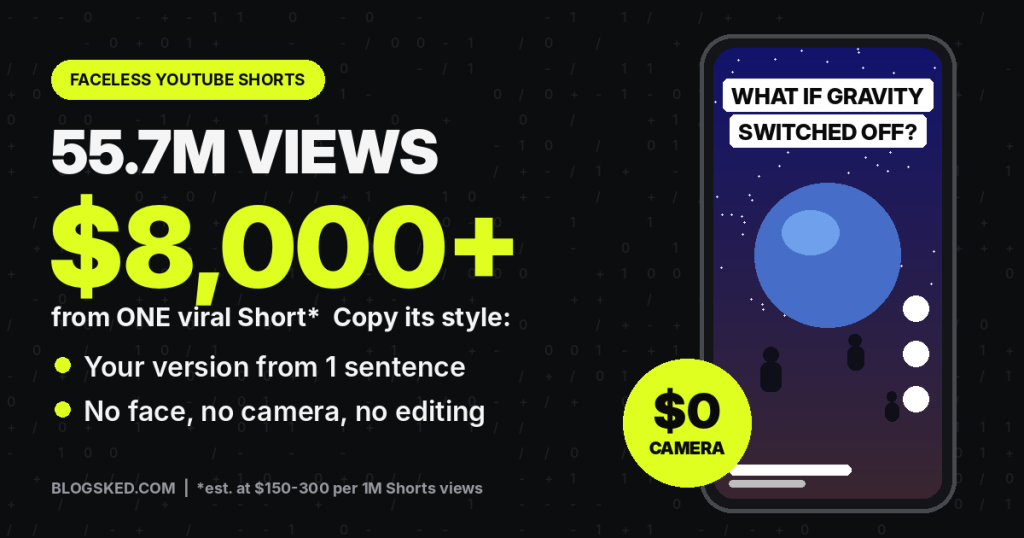
Table of Contents
Before you start your faceless YouTube Shorts channel
If you already have a channel with long videos, please don't upload Shorts there. I say this in every YouTube post because people still do it. Open a new channel only for Shorts. When you mix them, YouTube doesn't understand who your viewers are and your long videos suffer too. I keep my own history channel long videos only for exactly this reason.
Also good news, the same video works on TikTok and Instagram Reels. So you make it once and post it three times. If you like TikTok more, read my post about making $375 per day with TikTok.
Step 1 – Open Content Factory and click Generate here
First, go to Content Factory from this link and create an account.
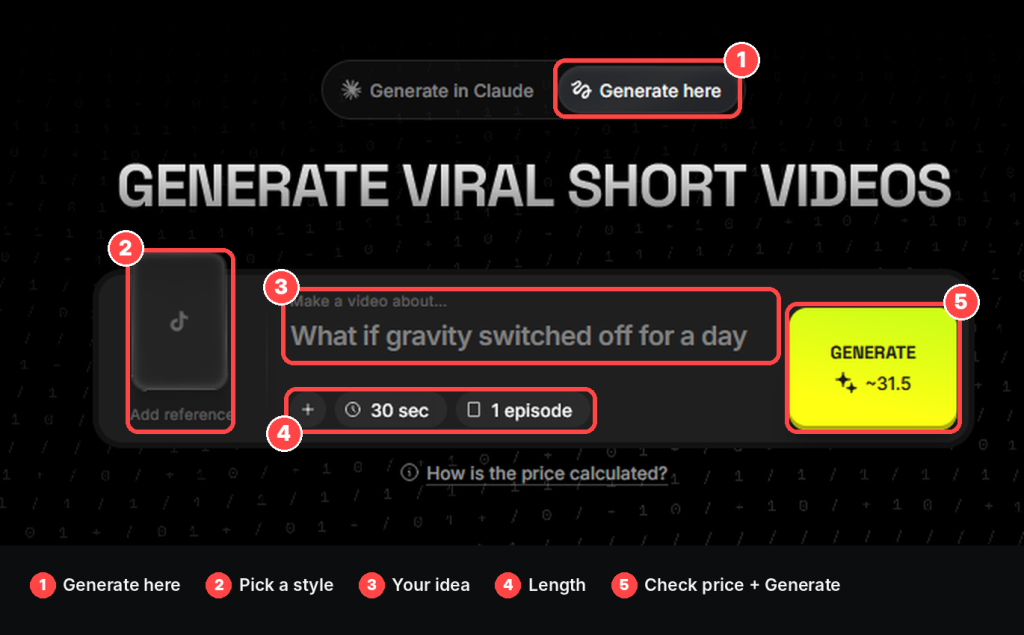
On the top of the page there is a small switch. Left side says Generate in Claude, right side says Generate here. Click Generate here (number 1 on the picture below). You don't need to connect anything with this option, so for newbies it is the easiest.
Then you will see big text GENERATE VIRAL SHORT VIDEOS and under it a dark box. Your whole video is made inside this box. I marked every part with numbers so you don't get lost, we will go one by one.
Step 2 – Don't type yet, pick a viral style first
Most people start typing right away. Don't do it. Scroll down to “Pick a trending style to start from”.
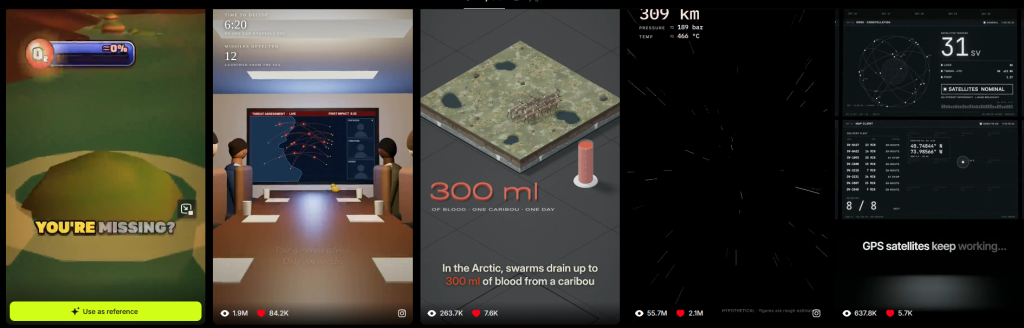
This part is gold, honestly. There are a lot of real short videos there that already went viral and every one shows views and likes. When I checked, the top ones had 55.7M views, 26.6M, 11M, 8.5M. Below them many more with few hundred thousand views.
So you are not guessing what works. You see it with numbers.
Watch some of them, especially the big ones. Look how fast the first scene comes and how the video looks. Then think, does this style fit my topic? If yes, click “Use as reference” under that video. It goes to the Add reference place on the left of the box (number 2 on the picture above).
You don't copy the video. You just take the style and put your own idea inside it.
One more small thing. When Add reference is empty, it shows TikTok icon. So you can also use other viral video you found as a reference.
For me, I skipped the funny and meme styles and went with a dark cinematic one. Because my background is history videos, I like that movie look, and it also fits “what if” ideas very well. My advice, pick the style that you would actually watch yourself, not only the one with most views.
Step 3 – Choose your faceless niche
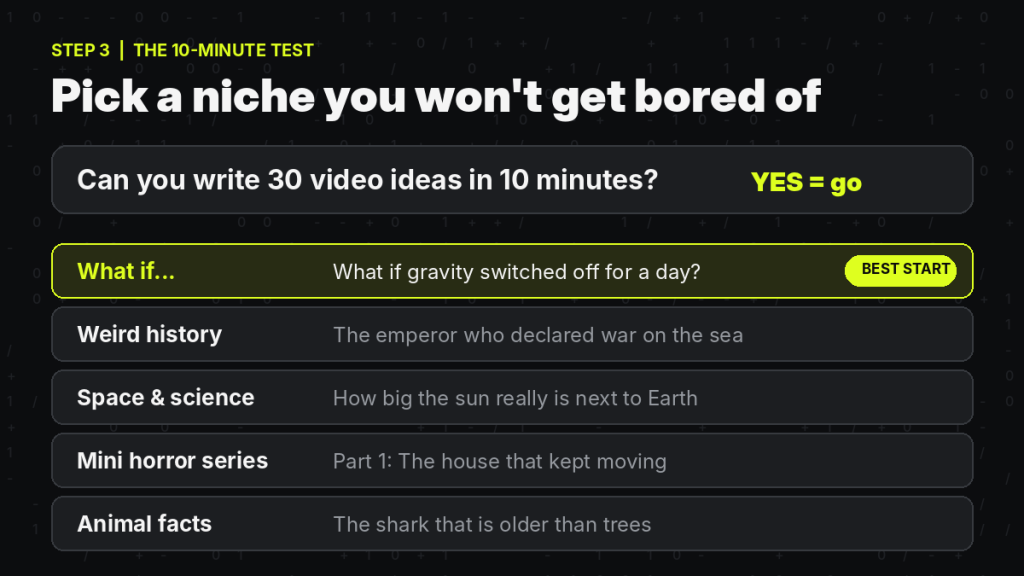
My simple test: can you write 30 video ideas in 10 minutes? If yes, go with it. If you stop at 5 or 6, choose something else.
For this tool, these niches look really good because AI visuals make them look like movies: what if videos, strange history stories, space, short scary stories in parts, weird animal facts.
If you ask me, start with what if videos. Ideas never finish and people fight in comments about them, which YouTube likes a lot.
I will tell you something from my own experience. I make war history videos and the ideas never end there too, every battle has 10 crazy stories inside it. That is the feeling you want with your niche. If you are already bored while writing the list, you will be bored on video 15 and quit.
Step 4 – Write your idea (this decides your views)
Now click to “Make a video about…” and write your idea (number 3). I wrote: What if gravity switched off for a day.
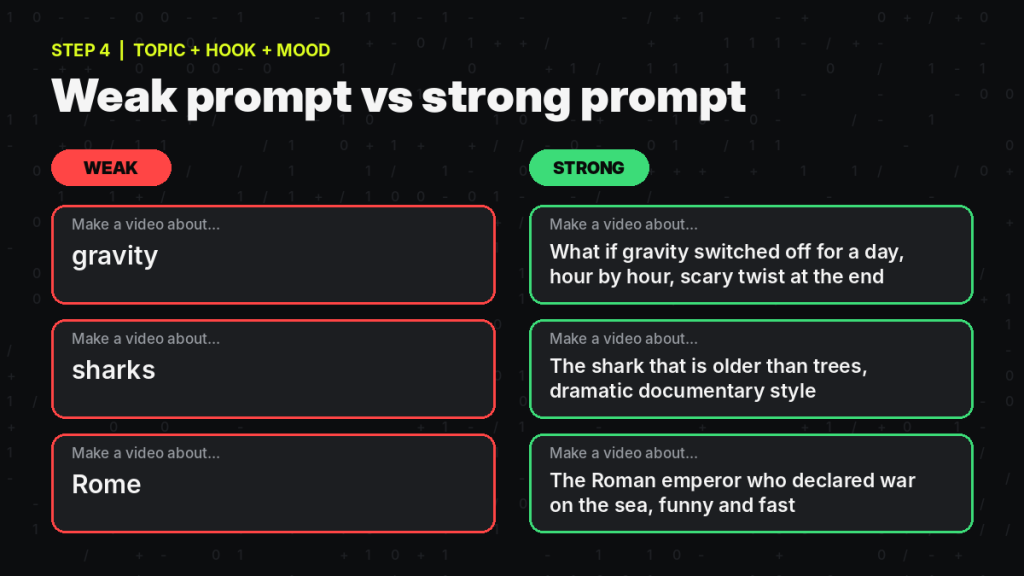
It is ok, but you can make it better. Add what is the hook and what is the mood. For example instead of only “sharks” write “the shark that is older than trees, dramatic documentary style”. Or instead of “gravity” write “what if gravity switched off for a day, show it hour by hour and end with scary twist”.
The first second of Shorts decides everything. If the idea already has a hook inside, your video starts strong.
Step 5 – Length and episodes
Under the text there are small buttons (number 4). Plus button opens more options, check it once. Then 30 sec for length and 1 episode.
For first video keep 30 sec and 1 episode. 30 seconds is good for Shorts because people watch until the end, and full watches make YouTube show your video to more people.
Later you can increase episodes. The tool is made for series, so you can do Part 1, Part 2, Part 3. Series bring subscribers because people want to see next part.
Step 6 – Check the price and click Generate
On the right there is a big yellow GENERATE button and the credit price is written on it (number 5). For my 30 sec gravity video it was around 31.5 credits.
I like that you see the price before you click. There is also a “How is the price calculated?” link under the box, click it once so you understand. Longer video and more episodes means more credits of course.
Click Generate and wait a little. Finished video goes to My generations on top of the page.
I will be honest with you. It is not instant, you wait a few minutes, so don't refresh the page like crazy like I did the first time. The result was better than I expected for one sentence, the visuals really looked like the reference style. But not every video comes out perfect. Sometimes one scene looks a bit strange, so watch it fully before you upload and if something bothers you, change the idea a little and generate again.
Step 7 – Upload your Short to YouTube
Download the video and upload with YouTube Studio or YouTube app. Before publish, do these quickly.
Title should make people curious. “What if gravity disappeared for 24 hours?” is much better than “gravity video”.
Description, one sentence and 2–3 hashtags, #shorts and your niche ones.
If it is series, write Part 1 in title. People will go to your channel to find Part 2.
And if your video has realistic AI people, places or events, turn on the altered or synthetic content option while uploading. Don't skip it, it protects your channel.
My 30-day plan for faceless YouTube Shorts
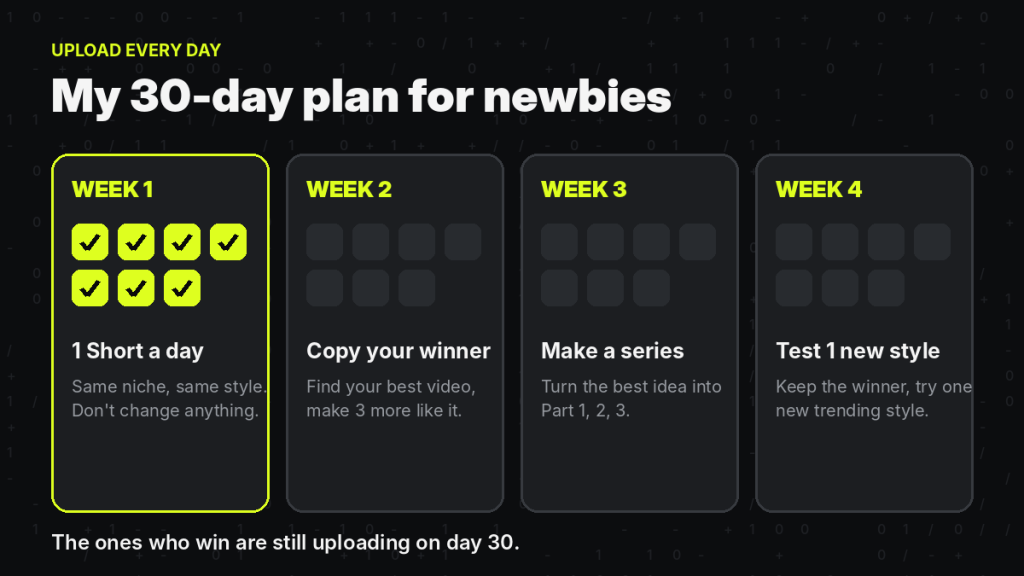
First week, upload one Short every day. Same niche, same style. Don't change anything.
Second week, check YouTube Studio, find your best video and make 3 more with similar hook.
Third week, make your best idea a series.
Fourth week, keep your winning style but try one new trending style from Content Factory next to it.
The ones who win on Shorts are not the most talented. They are the ones still uploading on day 30.
Mistakes newbies make
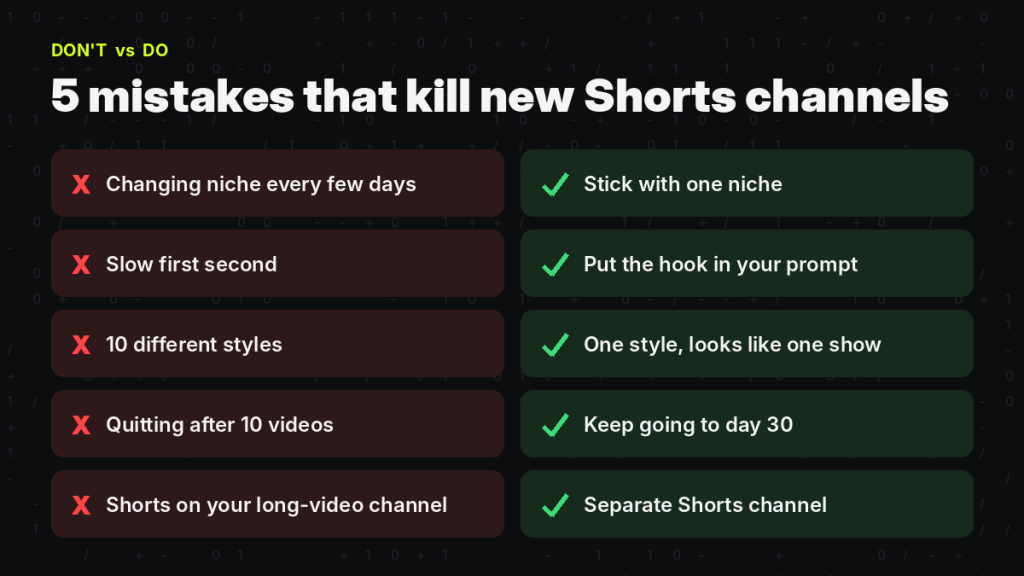
Changing niche every few days. Slow first second. Using 10 different styles so channel looks random. Quitting after 10 videos. And uploading Shorts on long video channel, I know I said it already but really, separate channels!
Some questions you may have
Can I make faceless YouTube Shorts without showing my face or voice? Yes, that is the whole idea.
Do I need editing skills? Not really, video comes ready.
Is it free? You need credits. You see exact credit cost on Generate button before you spend. Check plans here.
Can I make money? Shorts can be monetized with YouTube Partner Program when you reach requirements, and you can add affiliate links too. But nothing is guaranteed, don't believe anyone who promises. If you want more ideas, check 7 ways to make money online fast and easiest way to make $50 per day for newbies.
Final words
Before, making Shorts needed many tools and editing skills. Now you pick a style, write one sentence, click Generate and upload. That's all.
You can try Higgsfield Content Factory here and make your first Short today.
Good luck! Have questions? Comment below, I will surely reply to your questions.
This post contains affiliate links to products. I may receive a commission for purchases made through these links.